Free tool
3D shape generator
Play with shapes, materials and light until something looks good, then grab it as a transparent PNG or a chunk of code.
Abstract 3D shapes to start from
Every tile is a real look from the generator — hover to watch it turn, click and it opens live, set up exactly like the picture.
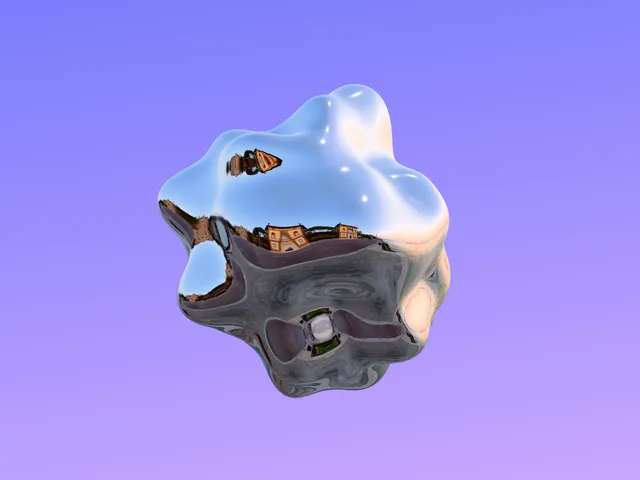 Sunset chrome blobA mirror blob drinking the sunset, floating on lilac.
 Copper pixel crossA copper cross gone pixel — eight-bit metal on warm amber.
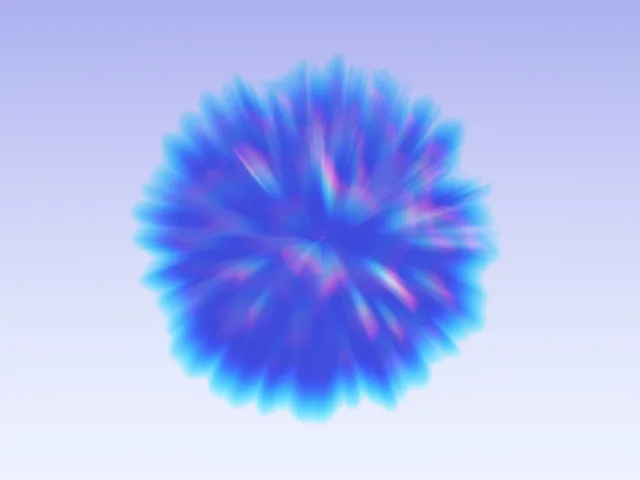 Gunmetal spike blobA dark gunmetal spike-blob, edges split into prism colour.
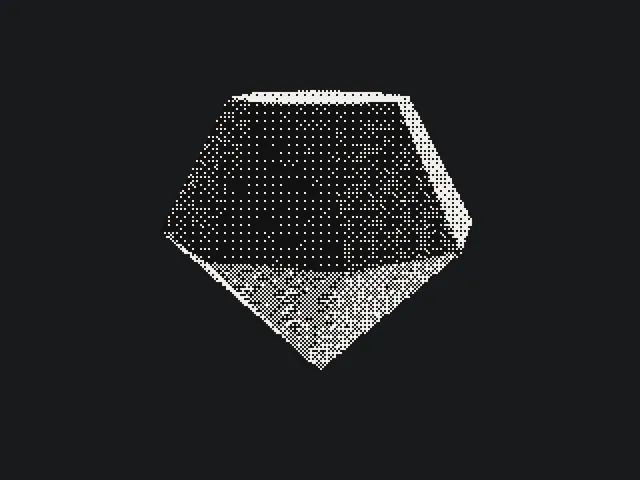 Dithered gemA faceted gem screened down to two-tone dots, newsprint style.
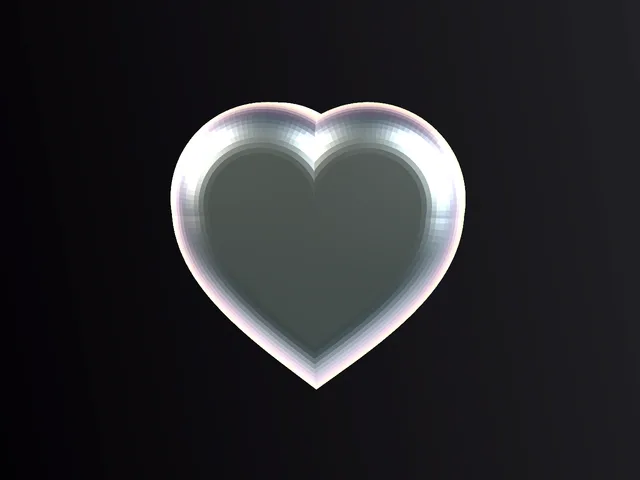 Iridescent heartA flat silver heart with an oil-slick rim.
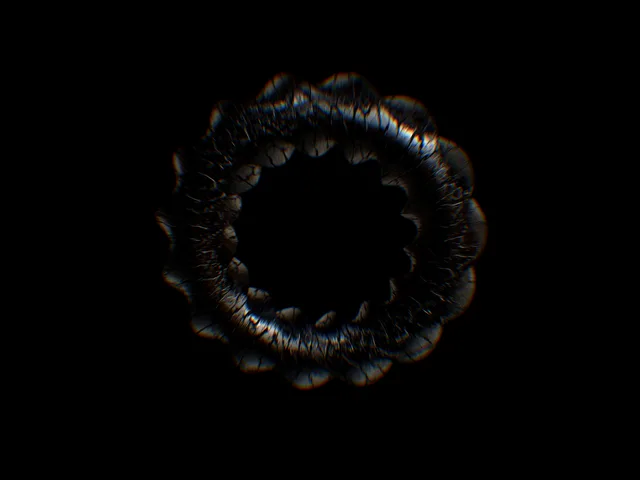 Cracked glass twistA twisted glass ring, crazed with cracks, its edges split into rainbow.
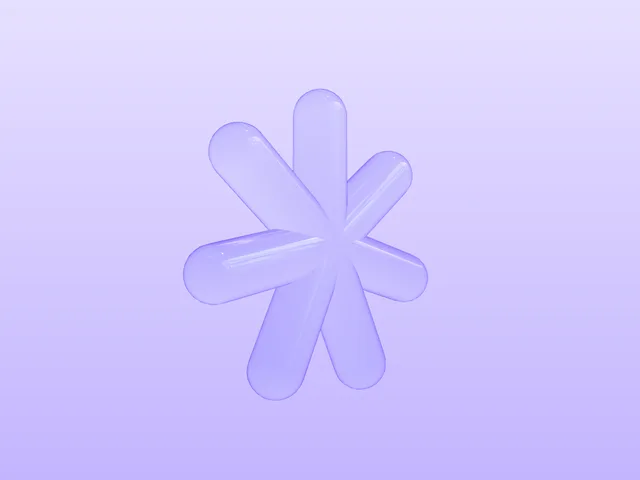 Lilac glass jackA milky glass jack, lilac on lilac.
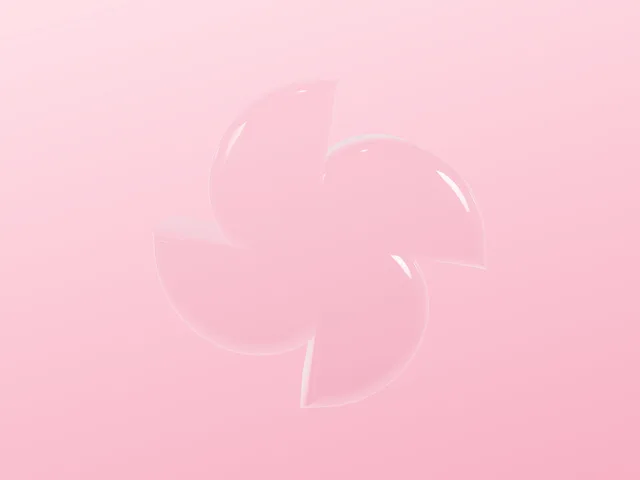 Glass pinwheelA white-glass pinwheel turning slowly on blush pink.
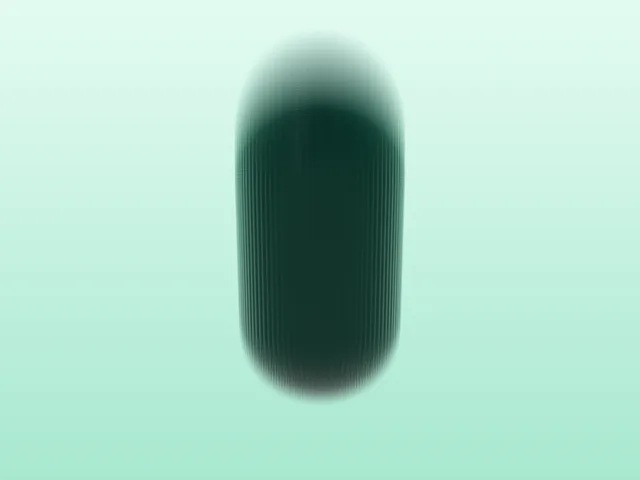 Carbon capsuleA carbon-fibre capsule, glossy and softly blurred.
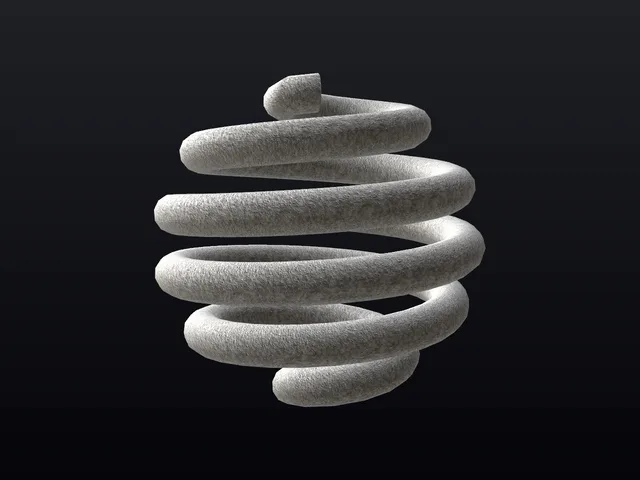 Concrete coil ballA wound coil cast in rough concrete.
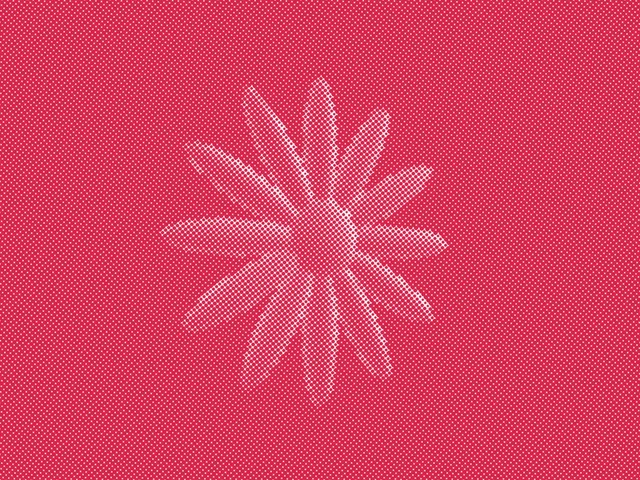 Halftone bloomA velvet flower under a pink halftone.
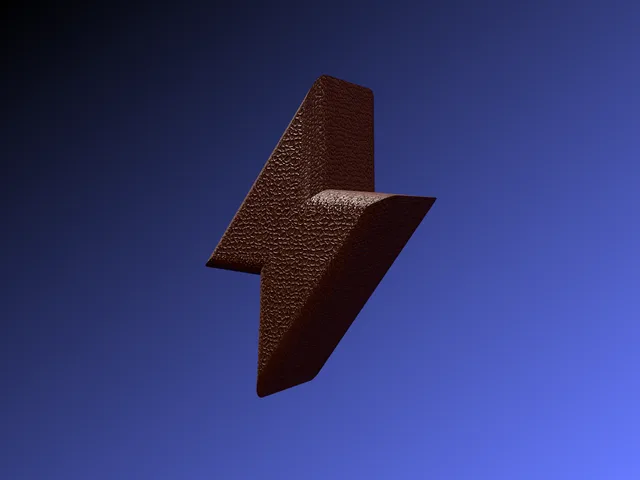 Leather boltA lightning bolt upholstered in pebbled brown leather.
What it can do
SVG to 3D
Drop an SVG onto the stage and it is extruded into a solid shape — your logo, an icon, any outline — ready to thicken, round and twist.
Transparent PNG
Export a PNG with nothing behind it, at the size you choose. It drops straight onto a page, a slide or a mockup.
Copy the code
Copy plain HTML and JavaScript that draws your exact shape, turning and lit. Paste the block into a page and it runs.
58
Shapes
Soft blob, torus, gem, knot…
63
Materials
Chrome, frosted glass, gold, ice…
18
Environments
Studio soft, city, sunset, neon room…
11
Effects
Halftone, dither, ASCII, duotone…
Free, no signup, no build step. Copy a transparent PNG, or the code that draws the shape.
Questions
Is the 3D shape generator free?
Yes, and there is no signup. Build a shape, then copy a PNG or the code — the tool costs nothing and the result is yours to use in commercial and client work.
Can I download a transparent PNG?
Yes. Export gives you a PNG with a transparent background, so the shape drops straight onto a page, a slide or a mockup with nothing behind it. You choose the size before it saves.
What is in the code it copies out?
Plain HTML and JavaScript that draws the exact shape you built, loading the 3D library from a CDN so there is nothing to install. Paste the block into a page and it runs — the shape turns, lit the way you set it.
Can I turn an SVG into a 3D shape?
Yes — this is an SVG to 3D tool as much as a shape generator. Drop an SVG onto the stage and it is extruded into a solid 3D shape you can thicken, round, twist and light like any other.
What does the Surprise button do?
It rolls a random 3D shape for you — a new form, material and setting together, never a random mess, because it combines presets rather than spinning every dial at once. Press it until something catches your eye, then take it further.
Does it work on phones, and with a keyboard?
Yes to both. You drag or pinch the shape on a touch screen, and the controls take the keyboard once focused. It also reads the reduced-motion setting and holds still for anyone who has asked for that.