Glassmorphism Generator · Free tool
Design the glass, copy the code
Tune a glassmorphism material over real photographs — frost, tint, edge light and true refraction — then copy it as CSS, Tailwind, a React component or a prompt for your AI tools. Build it as a card, a button, a nav bar or a tab bar.
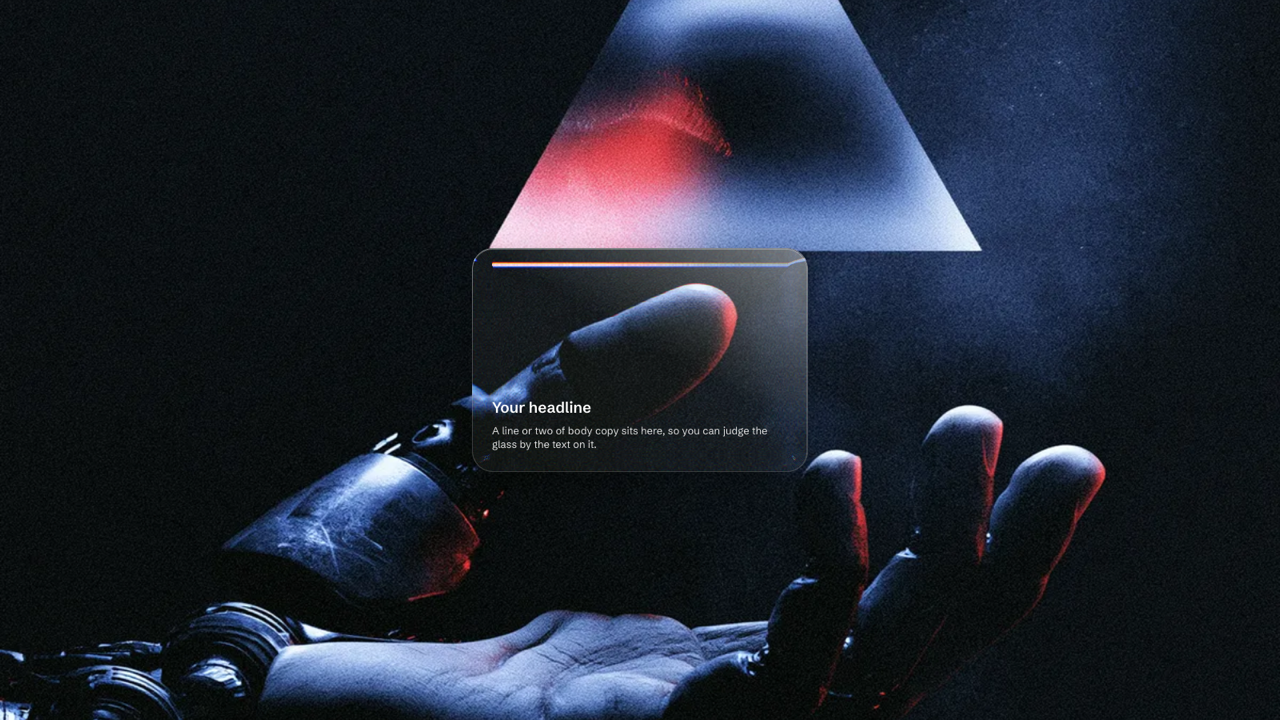
Looks to start from
Every tile is a real state of the tool — click one and it opens live, set up exactly like the picture.
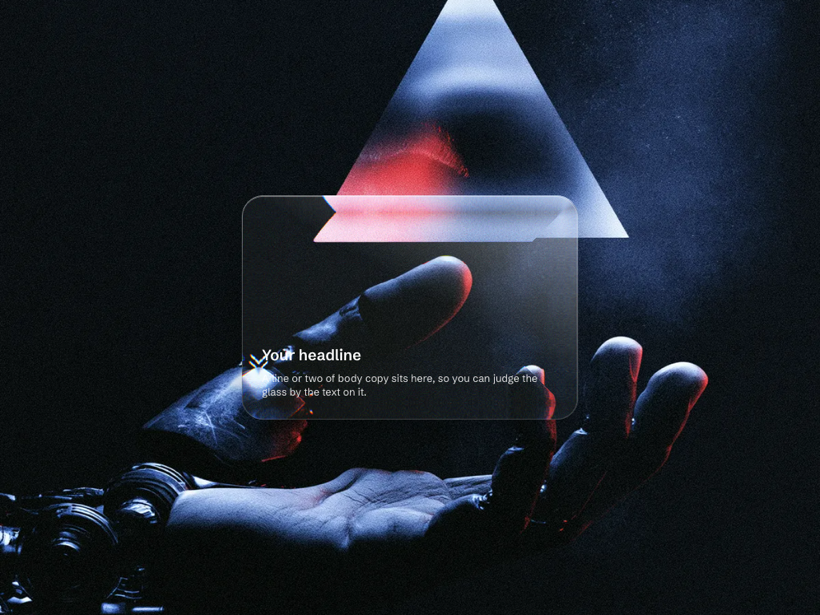 Glass cardA clear glass card over a dark scene — the background reads straight through it.
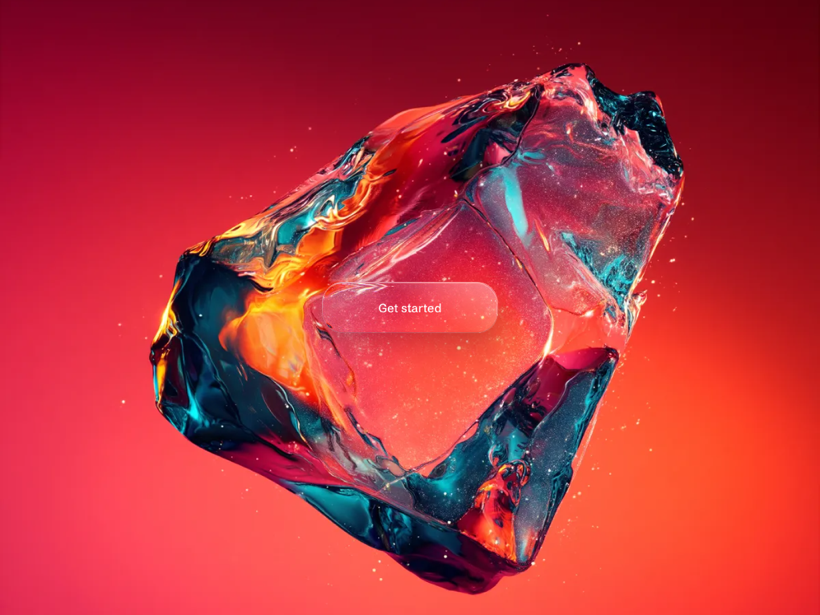 Glass buttonA glass button that lets the colour behind it glow through.
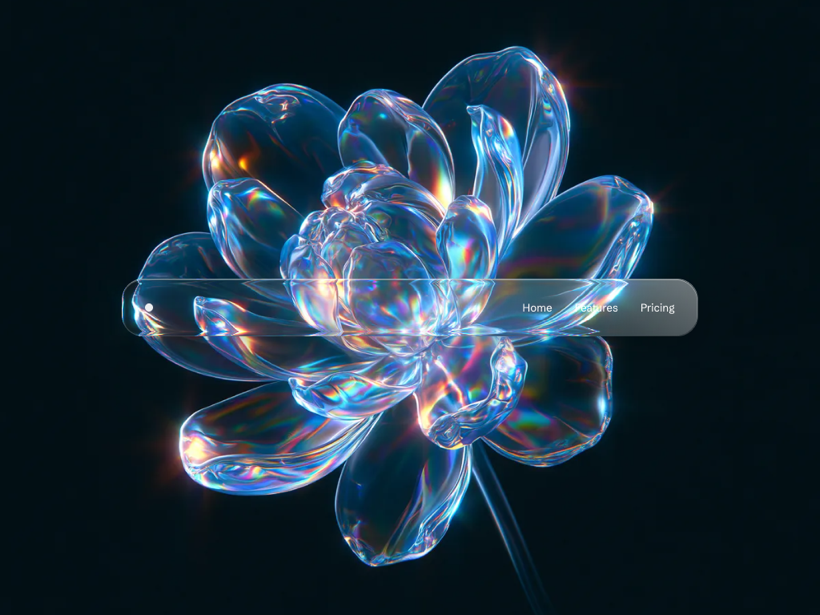 Glass nav barA clear glass nav bar the scene reads straight through, bright at the rim.
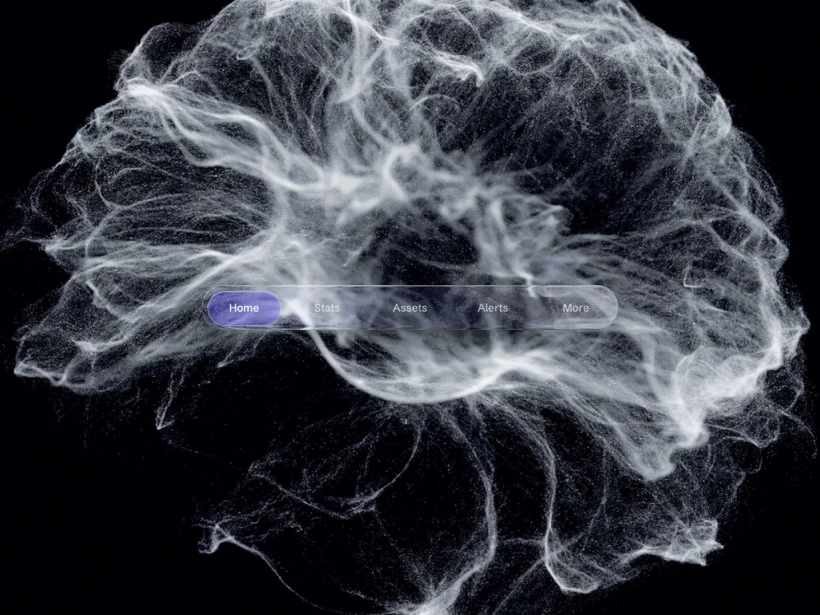 Liquid glass tab barA liquid-glass tab bar whose pill slides and bends the labels at its rim.
What it can do
Real refraction
The glass bends the background, not just blurs it — real light-warping on Chromium, with an honest layered fallback everywhere else.
Copy real code
Take it as CSS, Tailwind, a React component or a prompt for your AI tools — paste-anywhere, or a wrap flavour that reaches Safari and Firefox too.
Stays readable
A live check watches the contrast of the text on the glass and nudges the tint back when a word starts to disappear into the picture.
4
Elements
card, button, nav bar, tab bar…
25
Backgrounds
your Materials — or drop in your own…
4
Ways to copy it
CSS, Tailwind, React, AI prompt…
2
Export flavours
paste-anywhere, or a Safari-proof wrap…
Free, no signup, no build step. Everything renders in your browser, and the code you copy is drawn from the same engine you see.
Questions
Is the glassmorphism generator free?
Yes, and there is no signup or watermark. You design the glass, then copy the code or download it — the tool costs nothing and the result is yours to use in commercial, client or product work. Everything renders in your browser, so nothing is uploaded to a server and there is no account to make or build step to wait on.
What is glassmorphism?
Glassmorphism is a UI style where a panel looks like frosted glass: it is semi-transparent, it blurs whatever sits behind it, and it carries a thin bright edge so it reads as a real pane of glass floating above the background. It is what an iOS notification, a macOS sidebar or a card over a photo tends to look like. This tool builds that effect and hands you the CSS, so you set the frost, the tint, the edge and the corner radius on a real background instead of guessing at numbers.
What is Apple's Liquid Glass?
Liquid Glass is the material Apple introduced across iOS 26 and its other systems: glass that does not just blur the background but bends it, refracting what is behind it at the edges the way a real lens or a bead of water does. It is glassmorphism taken a step further — the blur is still there, but the rim actually warps the picture. This tool renders that real refraction on Chromium browsers and gives you an honest fallback everywhere the browser cannot, so the effect degrades gracefully rather than breaking.
How do I make a glassmorphism effect in CSS?
The core of it is three declarations on the panel: a semi-transparent background colour, a backdrop-filter with a blur (and, for the frosted look, a little saturation), and a thin light border with a soft shadow so the pane has an edge. Rounded corners finish it. The fiddly part is choosing values that stay readable over a real background — which is what this tool is for: you set frost, tint, edge and radius against an actual photo, watch a live contrast check, and copy the finished CSS, Tailwind, React or an AI prompt rather than writing it from scratch.
Does the glass really refract, or is it just a blur?
It really refracts. On Chromium browsers — Chrome, Edge, Arc — the tool bends the background through the glass with a real displacement map, so the edges warp the picture the way liquid glass does, not merely soften it. Where a browser cannot do that, it falls back to an honest layered blur-and-tint that still reads as glass, and the export comes in two flavours: a paste-anywhere version, and a wrap version that carries the refraction into Safari and Firefox too.
Can I copy the code as CSS, Tailwind or React?
Yes — the tool exports the exact glass you designed four ways: plain CSS, Tailwind classes, a self-contained React component, or a written prompt you can hand to an AI coding tool. What you copy is generated from the same engine that draws the preview, so the code you paste renders pixel-for-pixel what you saw, rather than an approximation of it.
Will the text on the glass stay readable?
The tool watches that for you. A live legibility check samples the contrast of the sample text against the glass and the background under it, and warns — and nudges the tint back — when a word is about to disappear into the picture. Glass is at its worst over busy imagery, which is exactly why the backgrounds here are real photographs rather than flat swatches: if it holds up over those, it holds up on your page.
Which browsers does it work in?
The glass itself works everywhere: the frost, tint and edge are plain CSS that every modern browser renders. The extra step — real refraction that bends the background — runs on Chromium browsers today (Chrome, Edge, Arc), and everywhere else the tool falls back to a layered version that still reads as glass. If you want the bending to reach Safari and Firefox, the wrap export flavour carries it there. You can preview both sides at once so you always know what a visitor will actually see. All 25 backgrounds and every element behave the same way.